Magic Link
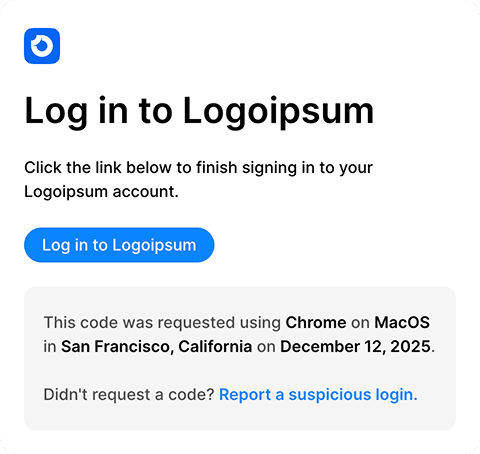
Send this email when a user chooses passwordless sign-in. Keep the sign-in button prominent, state how long the link is valid, and warn recipients not to forward it. Update the destination URL, expiration copy, and help contact before connecting the message to your login event.

Loops
Make the sign-in path obvious
Pass the sign-in URL as required transactional data and place the button before secondary copy. State the expiry window, avoid revealing whether an account exists, and warn recipients not to forward the link. Teams using Better Auth can follow the Loops integration guide for the server-side send.