Use this template

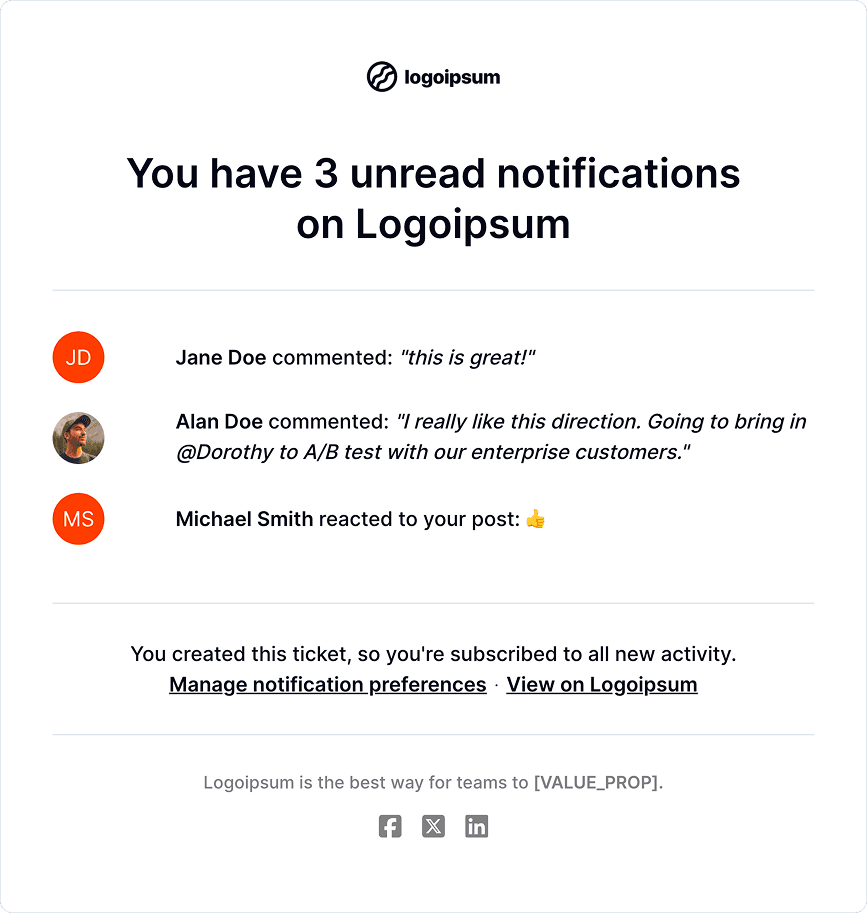
User Activity
Use this template
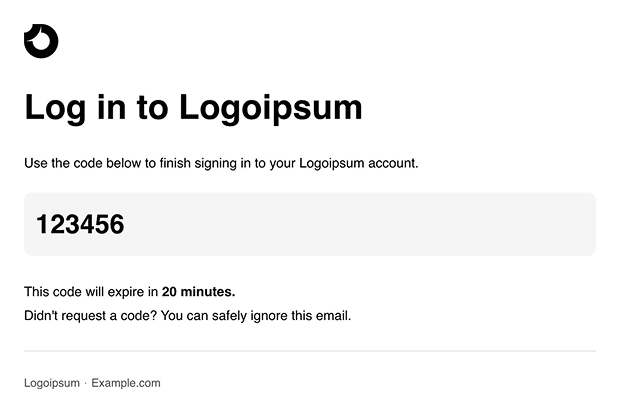
2FA Confirmation
Use this template
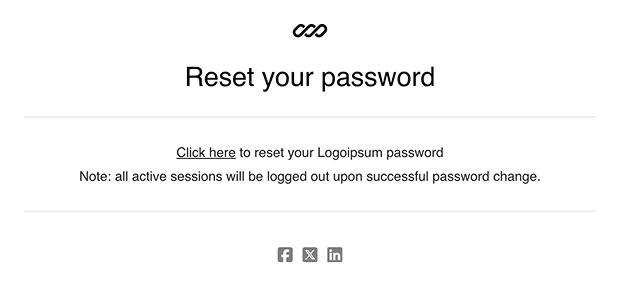
Reset Password
Use this template
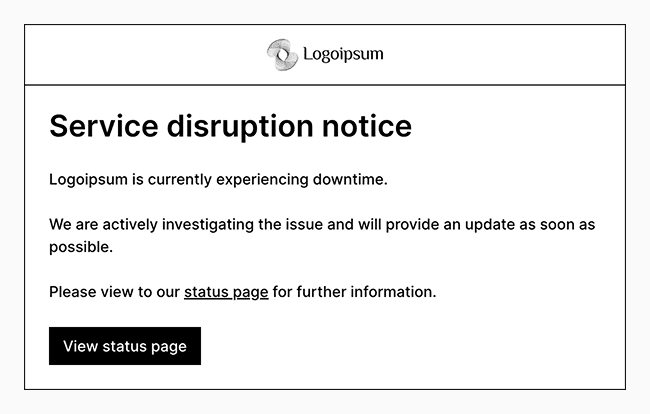
Service Disruption Notice
Use this template
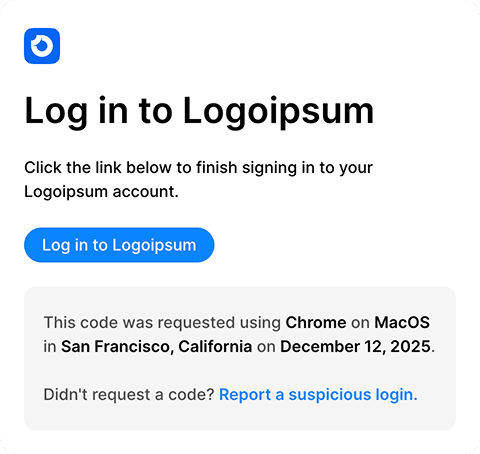
Magic Link
Use this template
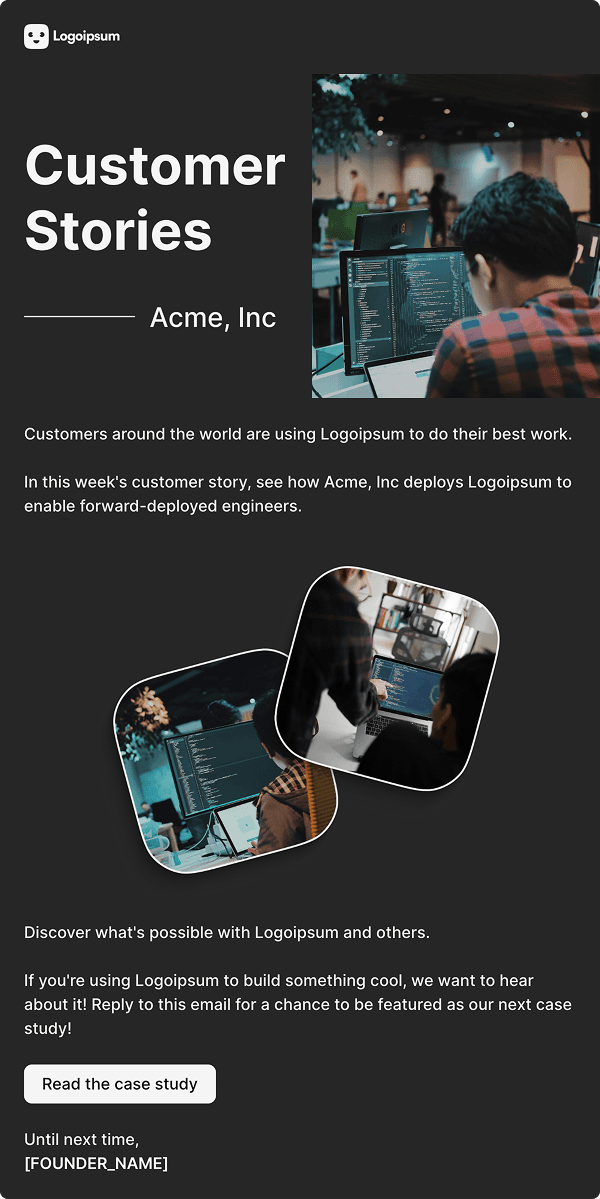
Encourage Use
Use this template
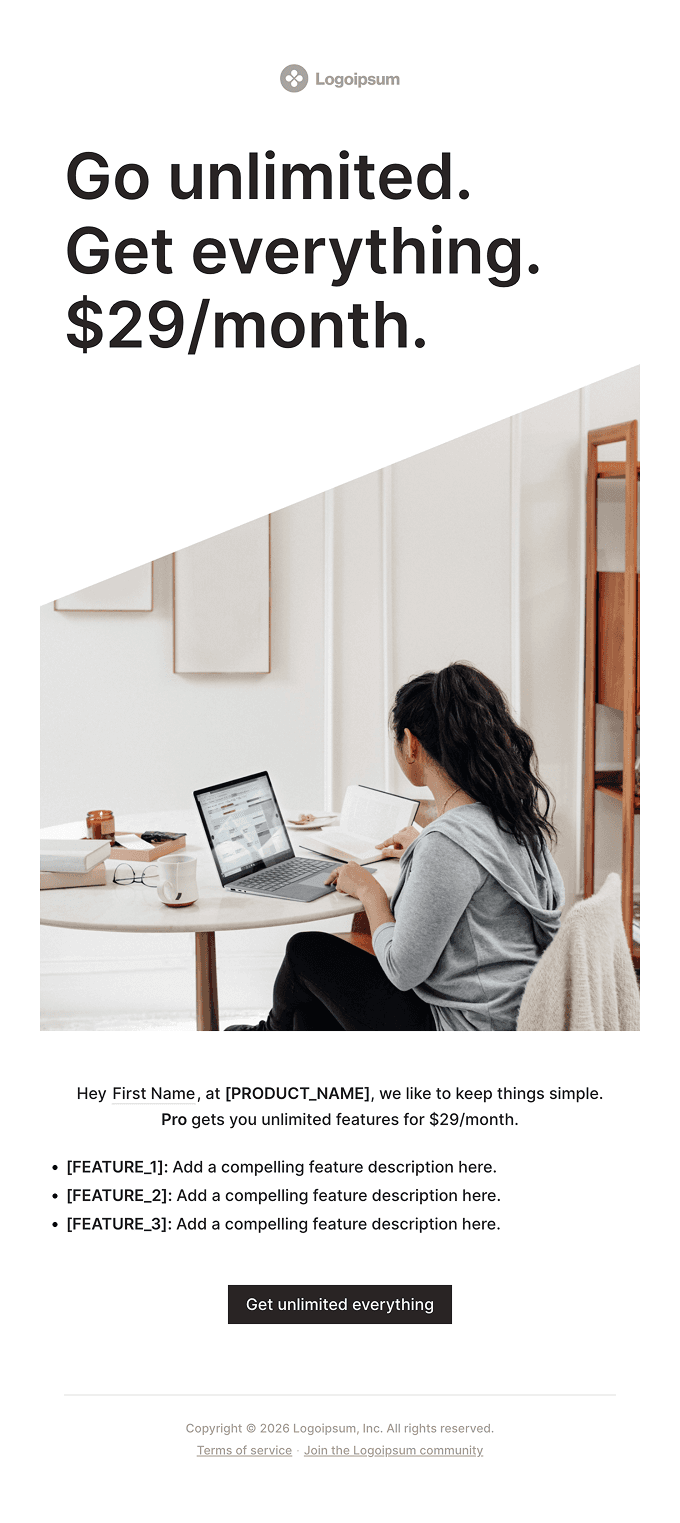
Invite to Upgrade
Use this template
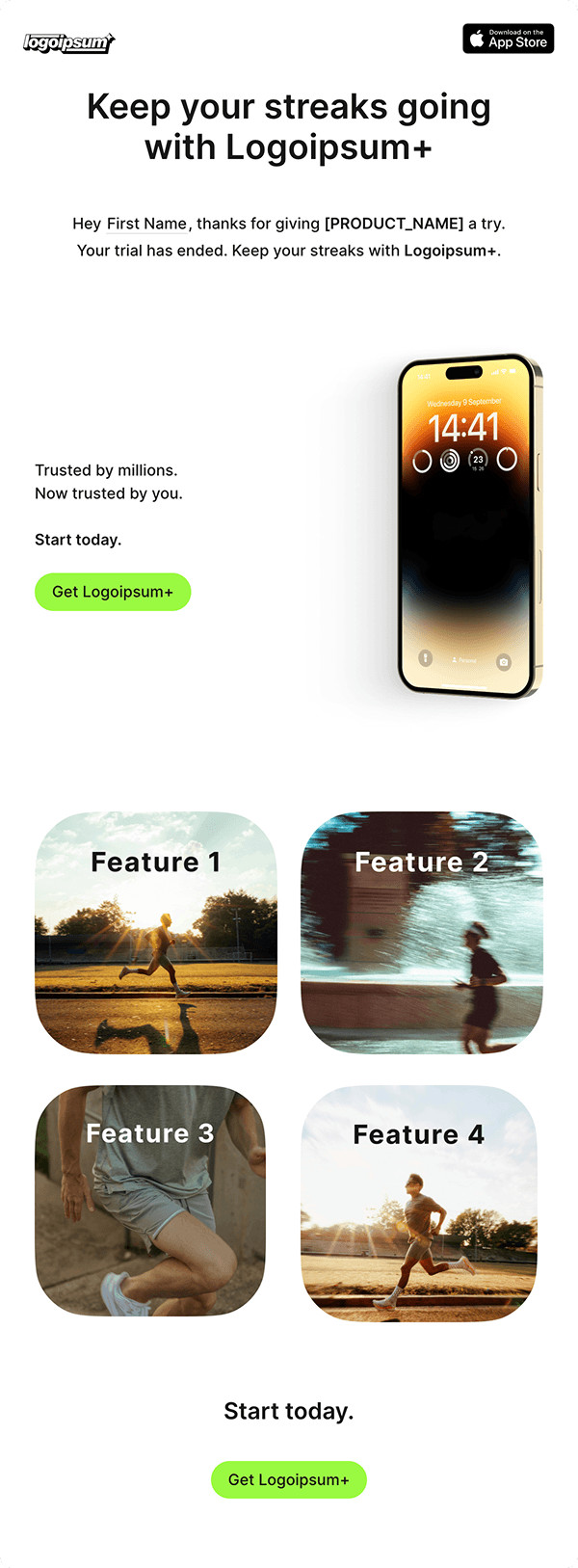
Upgrade After Trial
Use this template
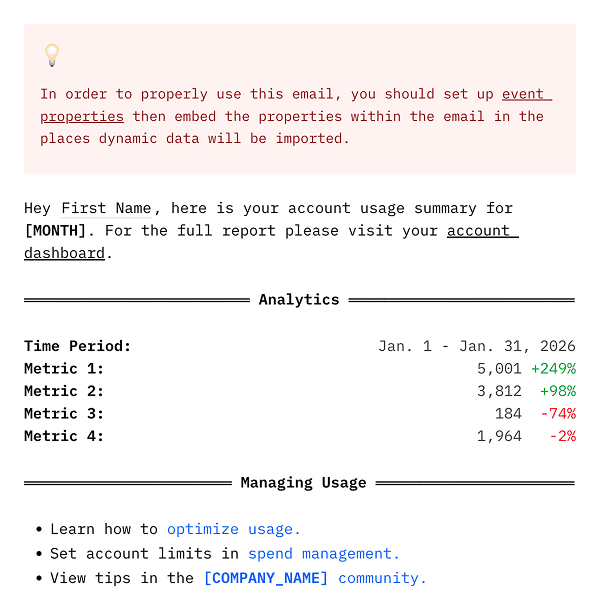
Account Usage
Use this template
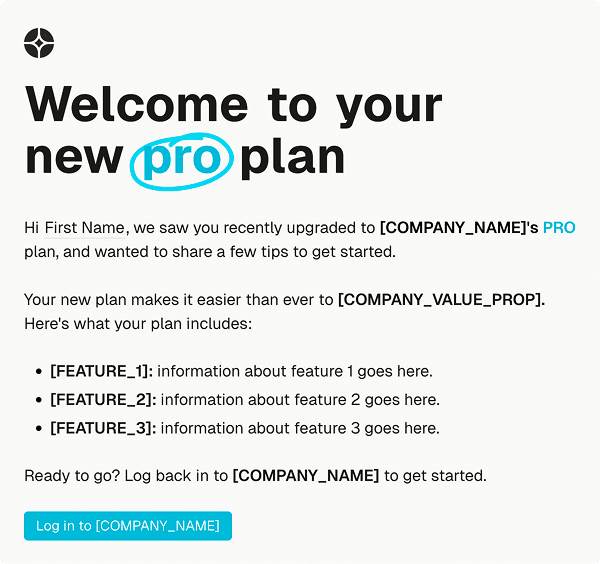
Double Tap
Use this template
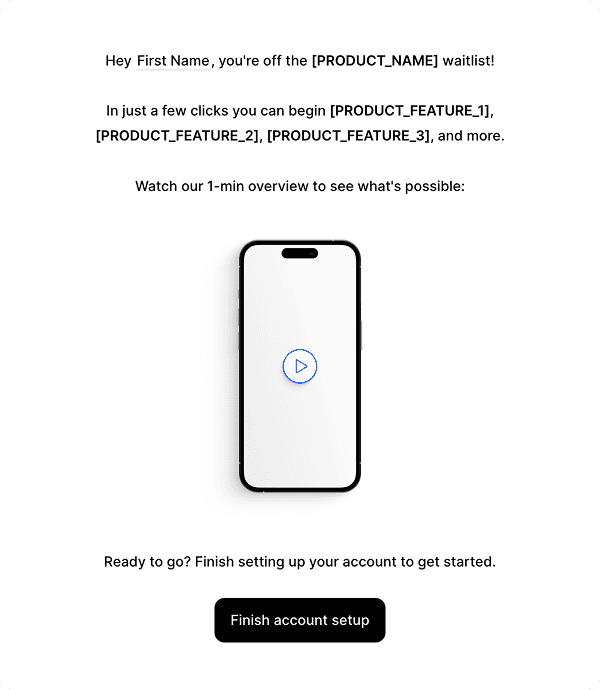
Onboarding Drip
Use this template
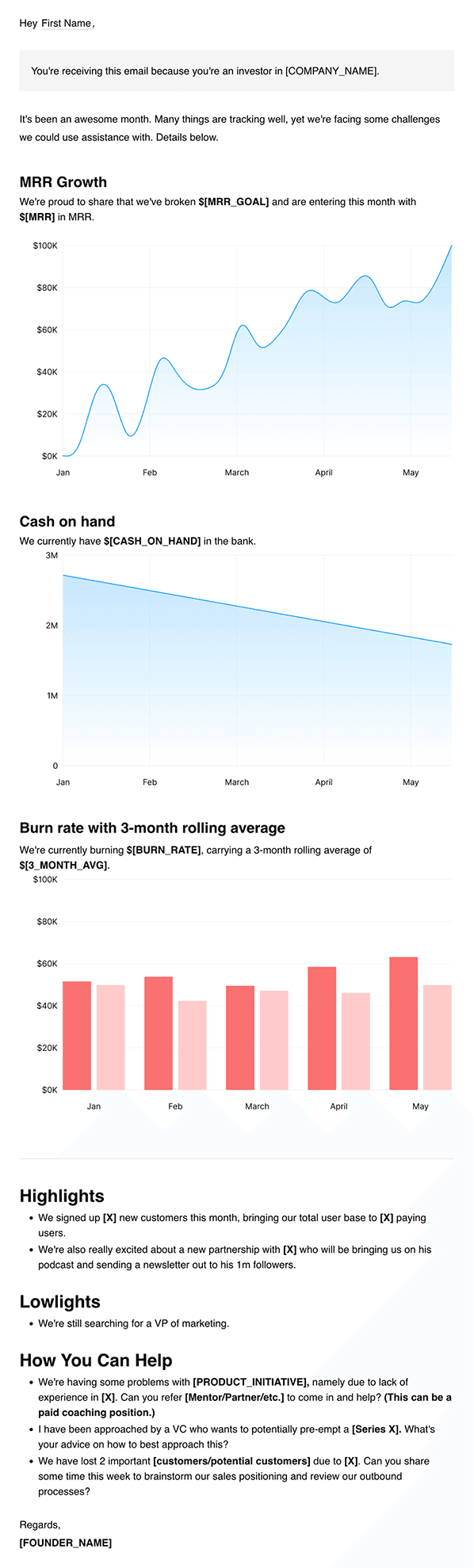
Investor Update
Use this template
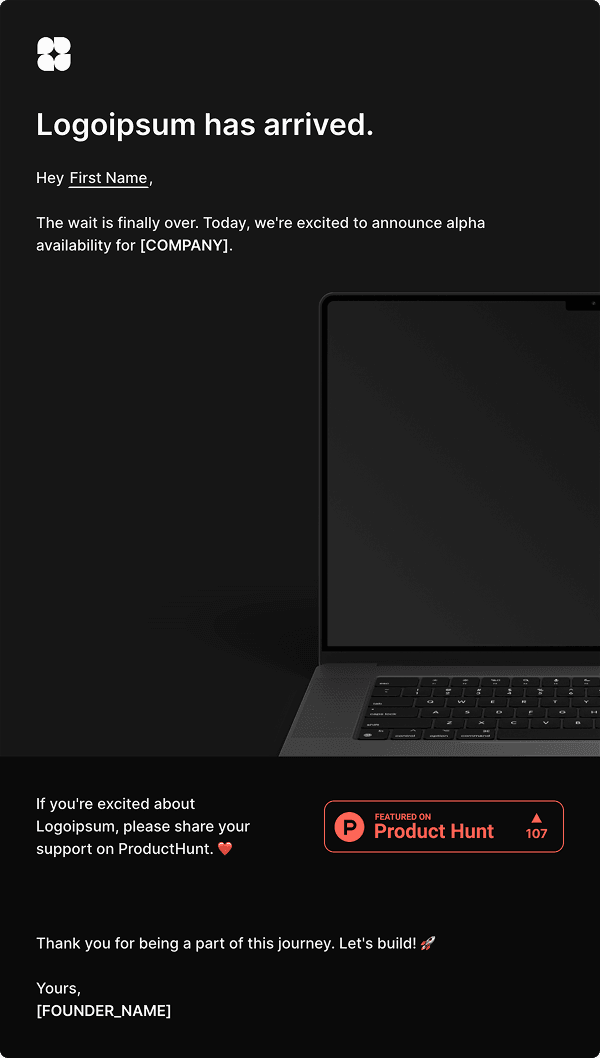
Alpha Launch
Use this template
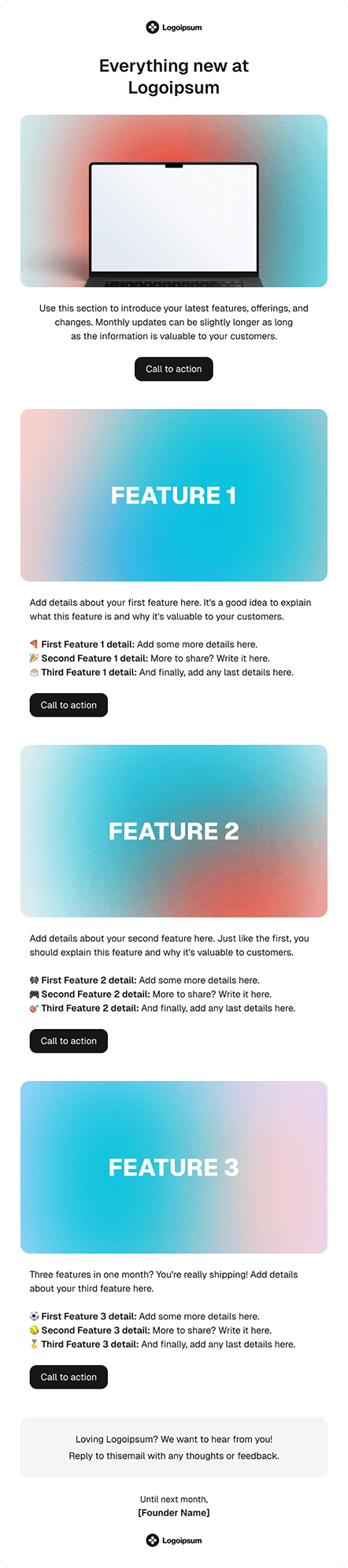
Monthly Update
Use this template
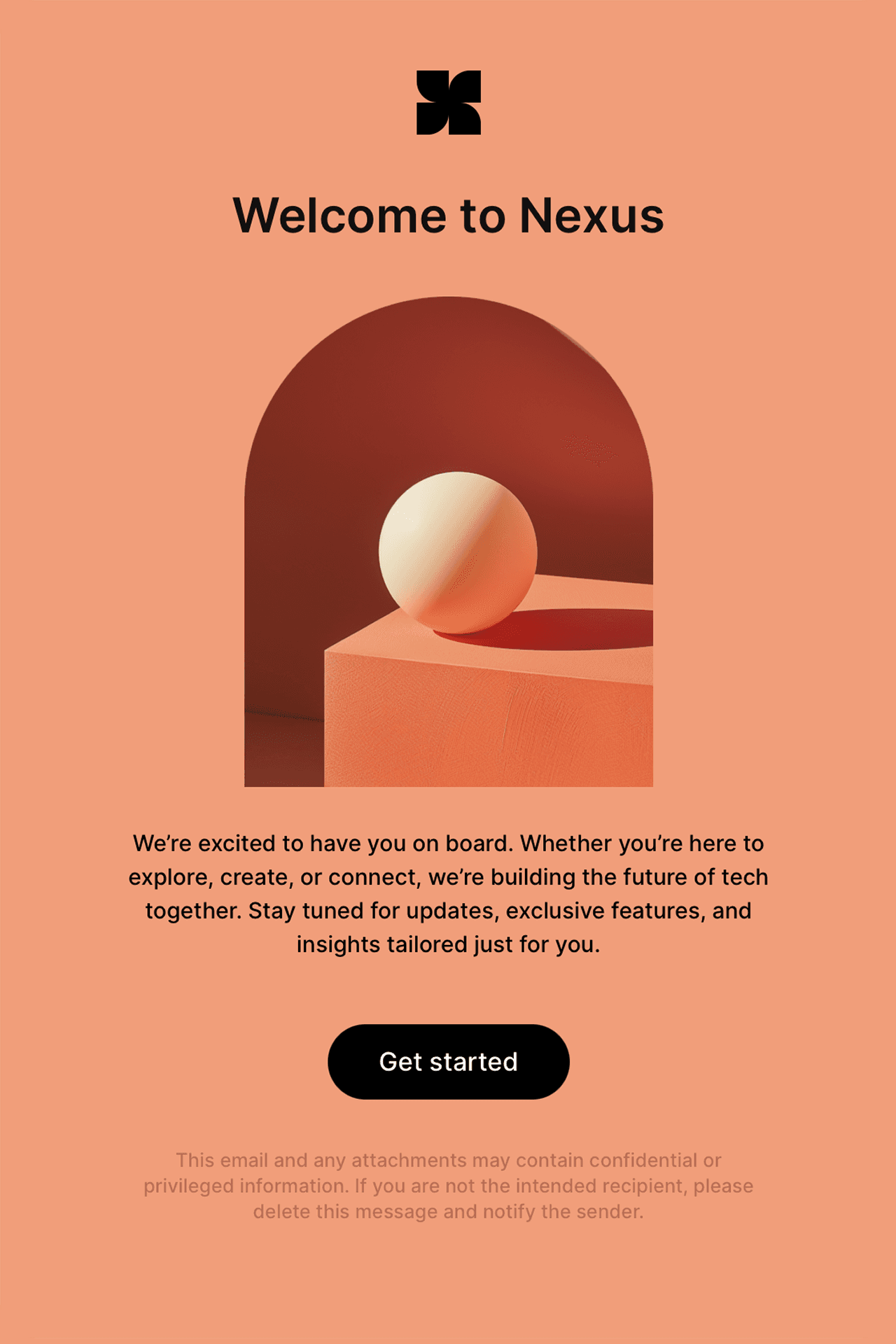
Welcome
Use this template
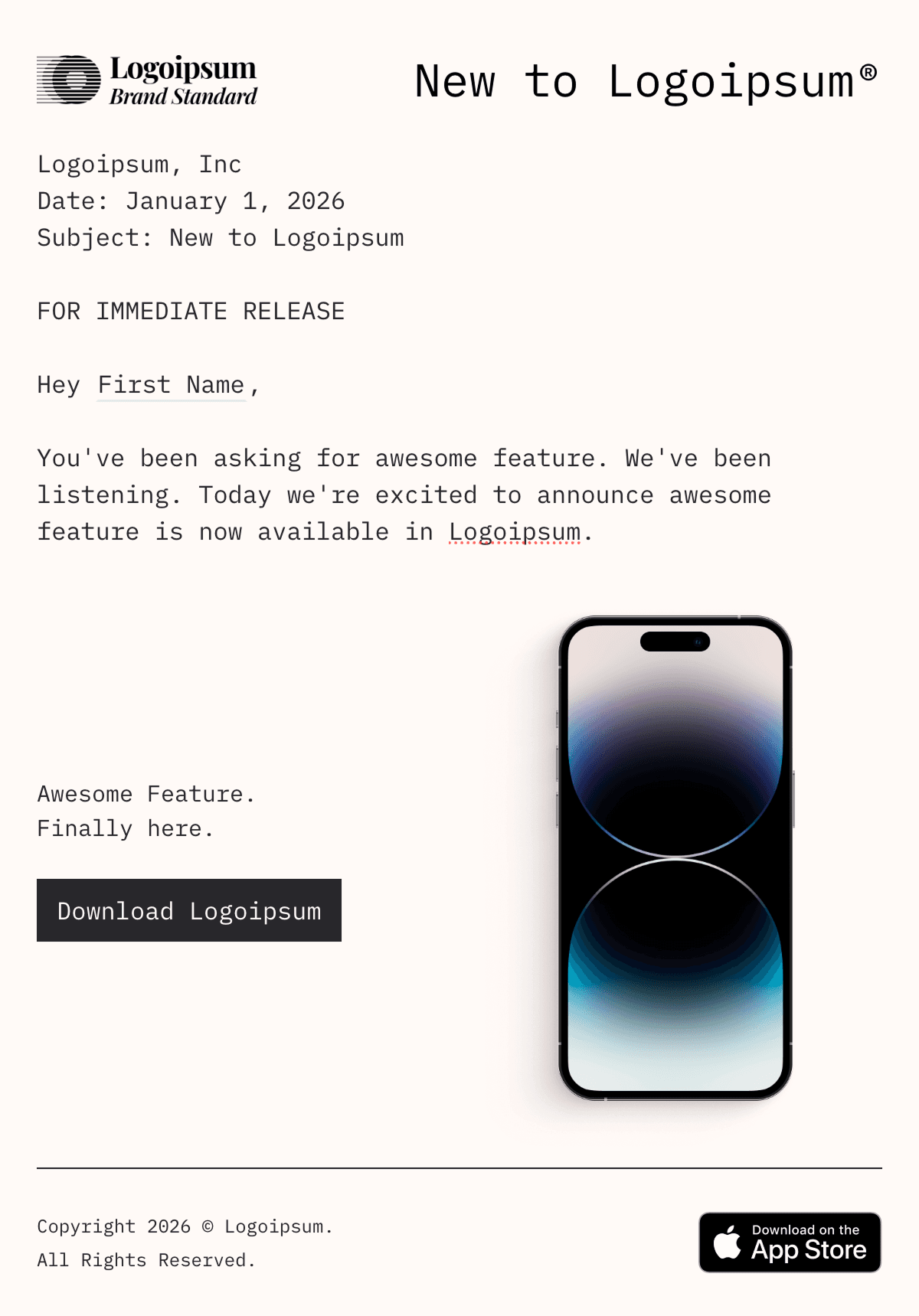
Feature Announcement
Email template builder guide for SaaS teams
Email template builders fall into three groups: platforms that build and send email, design tools that export to another sender, and editors that software teams embed in their own products. SaaS teams should choose based on where recipient data lives, who owns sending, and whether the same system must cover campaigns, lifecycle messages, and transactional email.
Email template builders compared
This comparison uses public product documentation reviewed in July 2026. Plan limits, export options, and integrations change, so confirm the workflow you need before moving production templates.
Tool | Best for | Output or sending model | Personalization source |
|---|---|---|---|
Loops | SaaS teams managing marketing, lifecycle, and transactional email together | Build and send in Loops | Contact properties, event properties, and transactional data variables |
Mailchimp | Marketing teams already managing audiences in Mailchimp | Build and send in Mailchimp | Audience fields and merge tags |
Beefree | Teams that need a standalone visual designer and flexible handoff | Export files or sync to a connected sending platform | Configured merge tags or the destination platform |
Stripo | Teams that move designs between several email service providers | Direct export, file export, or API | The destination provider or template variables |
Unlayer | Software teams embedding an email editor in their own product | Embedded editor with HTML and JSON export | The host application and its sending layer |
Loops is the closest fit when product events, contact state, and request-time transactional data need to feed templates without an export step. A design-and-export tool fits when the sending platform is already fixed. An embedded editor is the right category when customers, rather than an internal marketing team, will author the emails.
What an email template builder should do
A useful builder gives you both a starting point and a system: branded themes, reusable content blocks, campaign templates, workflow templates, transactional templates, dynamic fields, test sends, preview text, sender settings, and a custom-code route such as MJML import when a design needs it.
Template workflows by email type
Campaign templates are built for audience sends and usually rely on contact properties, lists, and subscription state. Workflow templates are triggered by product events and need both contact properties and event properties. Transactional templates are sent one-to-one from your backend and need request-time data variables such as reset links, receipt totals, invoice numbers, or verification codes.
Personalization variables and safe fallbacks
Personalization is only useful when it is reliable. Contact properties work well for stable person or company fields, event properties work well for the product moment that triggered a workflow, and transactional data variables work well for values supplied in an API request. Missing data should use a safe fallback or fail predictably before a broken email goes out.
Safe fallback patterns
A first-name field should fall back to a complete greeting such as “Hey there.” A company name should fall back to “your workspace.” A project-name event property should fall back to a phrase that still reads naturally, such as “your project.” Required transactional values, like a reset link or verification code, should be required instead of optional.
Preview text and subject lines
Template quality starts before the open. Strong SaaS subject lines are specific to the action or product moment, front-load the important noun or verb, survive mobile truncation, and pair with preview text that adds context instead of repeating the subject. Use the Subject Line Tester to check truncation and inbox previews before turning a subject line pattern into a reusable template.
Template patterns to build first
Start with the messages most SaaS products send repeatedly: welcome emails, onboarding nudges, account verification, payment confirmation, product announcements, trial-ending reminders, and win-back messages. Each template should have one job, one primary CTA, explicit variable requirements, and a documented fallback strategy.
Where Loops fits
Loops is useful when the same team needs templates for marketing, lifecycle, and transactional email. Product, lifecycle, and engineering can work from one email system while using the right data source for each message type: contact properties for campaigns, event properties for workflows, and API data variables for transactional messages.
Builder checklist
Before choosing or rebuilding a template system, confirm that campaign, workflow, and transactional templates can be duplicated and adapted; non-engineers can edit copy safely; mobile-friendly layouts and test sends are available; dynamic fields have fallbacks; unsubscribe and sender identity requirements are visible; and winning subject, preview, CTA, and layout patterns can be reused.
FAQ
What is an email template builder?
An email template builder is a tool for creating reusable email layouts and content without writing each message from scratch. For SaaS, it should support branded themes, dynamic content, test sends, and templates for campaigns, workflows, and transactional email.
What should a SaaS email template include?
A SaaS email template should include a clear subject line, preview text, sender identity, one main message, a primary CTA, mobile-safe layout, unsubscribe handling where required, and dynamic fields with safe fallback values.
How does email personalization work?
Email personalization replaces dynamic tags with data about the recipient or the event that triggered the message. Campaign emails usually use contact properties, workflow emails use contact and event properties, and transactional emails use data variables supplied by an API call.
Why do fallback values matter in email templates?
Fallback values keep emails readable when a dynamic value is missing. Without a fallback, the email might not send or might show a broken merge tag. A safe fallback should make the sentence work even when the personalized value is absent.
Can one template builder handle marketing and transactional email?
Yes, if the builder supports both audience sends and server-triggered transactional templates. The key is whether it uses the right data source for each email type and keeps contact state, unsubscribe state, and template editing in one place.
Can't find what you are looking for?
Become a contributor
Submit a template
Submit your Loops template below, and we'll review it as soon as possible.